The coursework problem
A final date hides the work before it.
Ideas, draft rounds, feedback and revisions often live in different places, making progress difficult to judge.
IB Coursework Tracker
Give each IA, oral, Extended Essay and TOK component its own drafts, checkpoints, feedback status, notes, people and files.
Completely free. No payment details required.
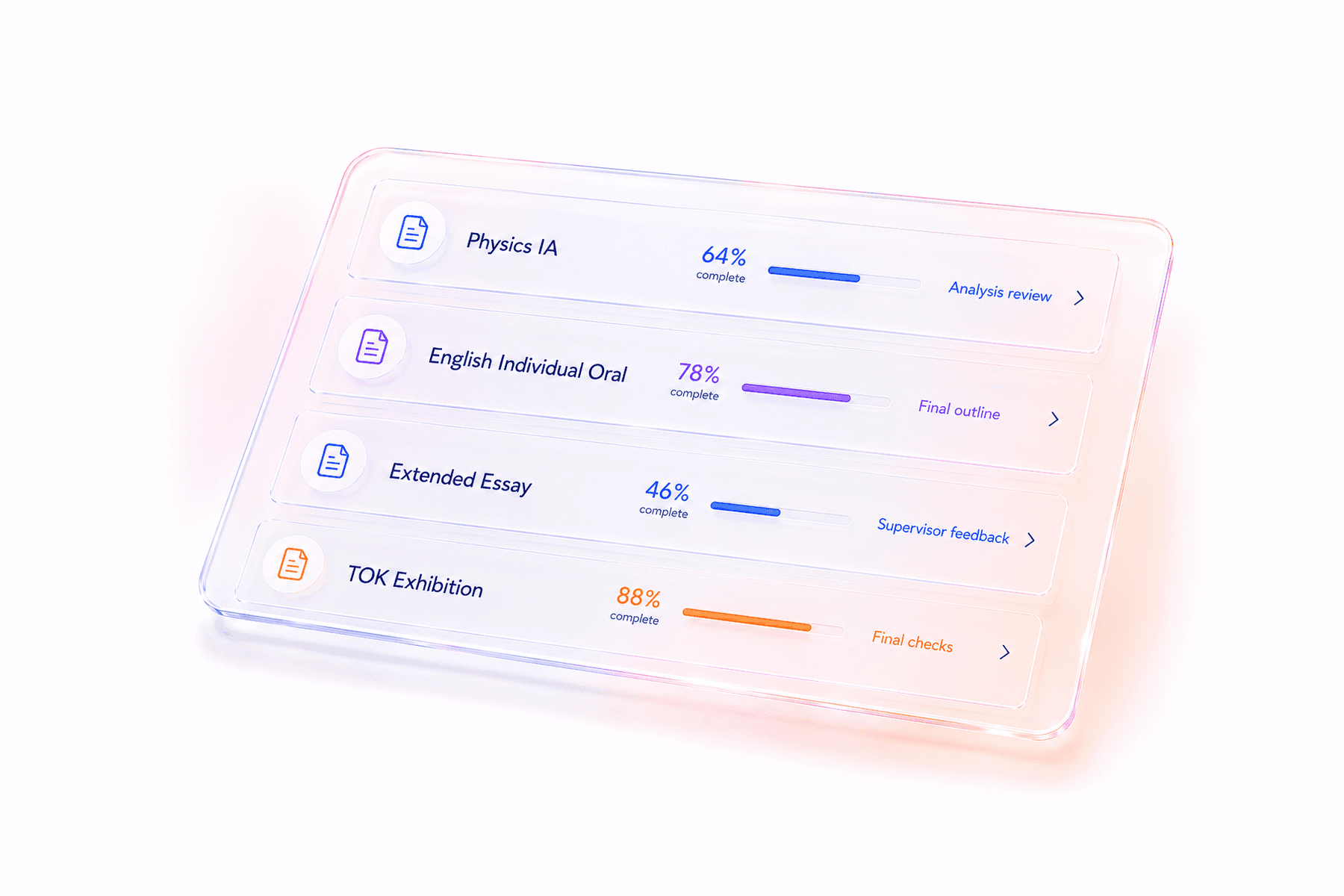
Illustrative product preview with sample content.
The coursework problem
Ideas, draft rounds, feedback and revisions often live in different places, making progress difficult to judge.
The milestone view
Each component shows where it stands, what comes next and how much runway remains.
Built for the way IB work actually moves
Track the information that actually changes while coursework develops, without flattening it into a single percentage.
Progress
Record the current draft, working status, priority and next action in clear fields.
Feedback
Track whether work needs submitting, is awaiting feedback or is being revised.
Evidence
Store planning notes, brainstorming, people involved, drafts and Turnitin reports.
A practical rhythm
Add your subjects, levels, exam session and targets once so every tool starts with the right context.
Break the final submission into smaller dates for drafting, feedback and revision.
Change the draft, status and next step as the component moves forward.
Questions, answered
Track Diploma uses your selected subjects and core choices to create the relevant starting trackers, which you can then edit.
Yes. Each component includes space for the latest draft and a Turnitin report, with download and delete controls.
No. It describes workflow progress, not an official predicted or awarded mark.
Your diploma, connected
Set up your subjects and exam session, then use one workspace to see what matters next.
Start planning