Plan
Give your work a place in the week.
A deadline tells you when work is due. Plan helps you decide when to work on it, alongside classes, activities and the rest of your week.
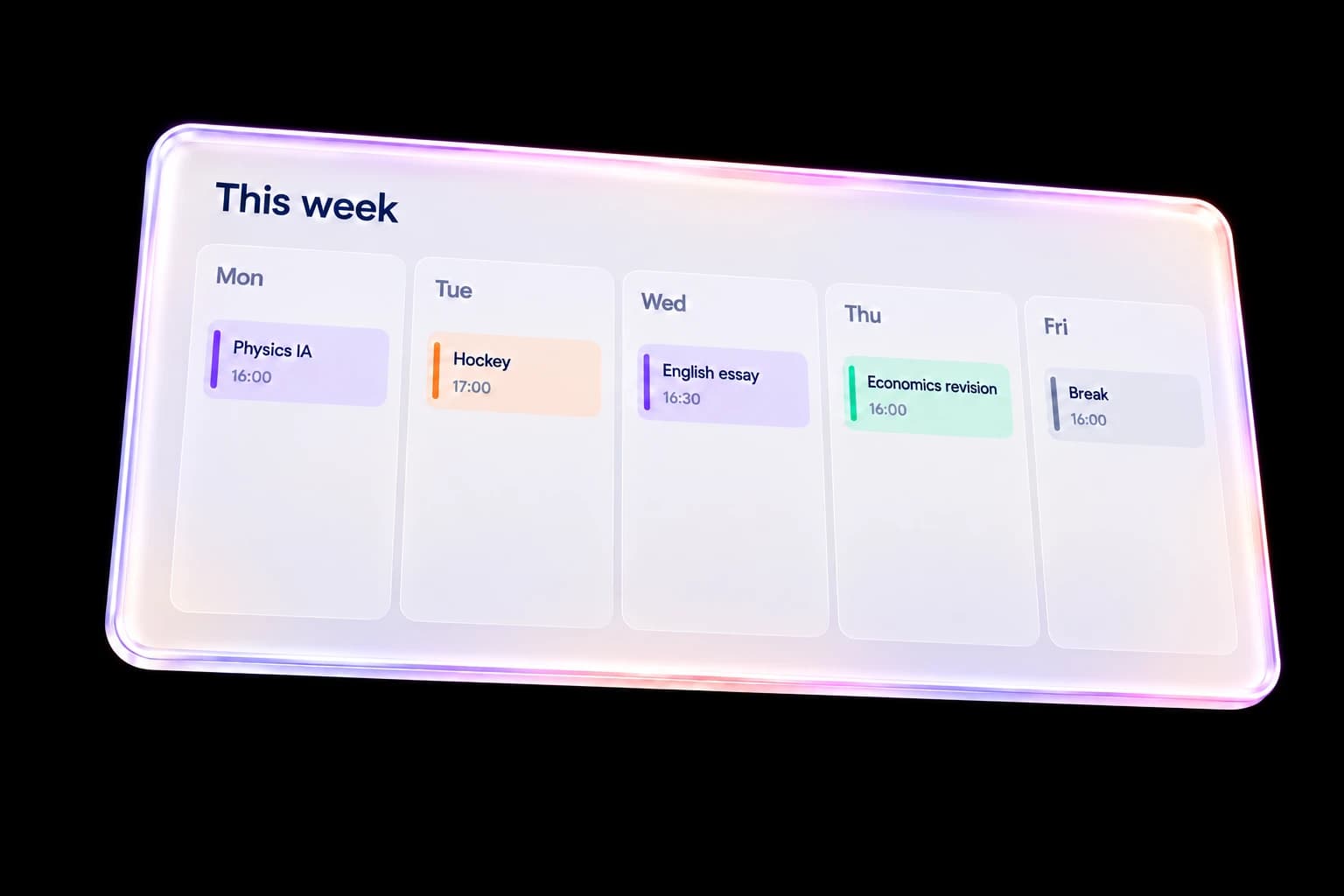
See commitments together
Use the calendar to see tasks, tests, events and study time in context. Personal activities can sit beside academic work so you can judge the time actually available.
Schedule a study block
Choose a time and add the work you intend to do. Give the block a clear title and relevant subject so a calendar entry becomes an understandable next action.
Adjust a changing week
Edit times and details when plans move. Remove an event you no longer need, or cancel an edit to keep the existing entry.
A practical way to use Plan
- Check your existing commitments and upcoming deadlines.
- Place a realistic block of work in the calendar.
- Review and adjust the week as tasks and commitments change.
Questions, answered
Can I plan hobbies as well as study?
Yes. Plan can include personal commitments alongside academic work.
Does Plan automatically make the perfect timetable?
No. You choose and adjust your schedule. The calendar helps you see commitments together; it does not guarantee a workload or result.
Where can I track the deadline itself?
Use the task or coursework tracker for the due date and details, and Plan for the time you intend to spend working on it.
Keep the workflow connected
Explore the whole product or read the getting-started help. Use My IB for academic context and Plan for your week.