My IB
Keep your academic picture connected.
My IB holds the subject and coursework context behind your daily plan. Record what has changed and use that evidence to choose the next piece of work.
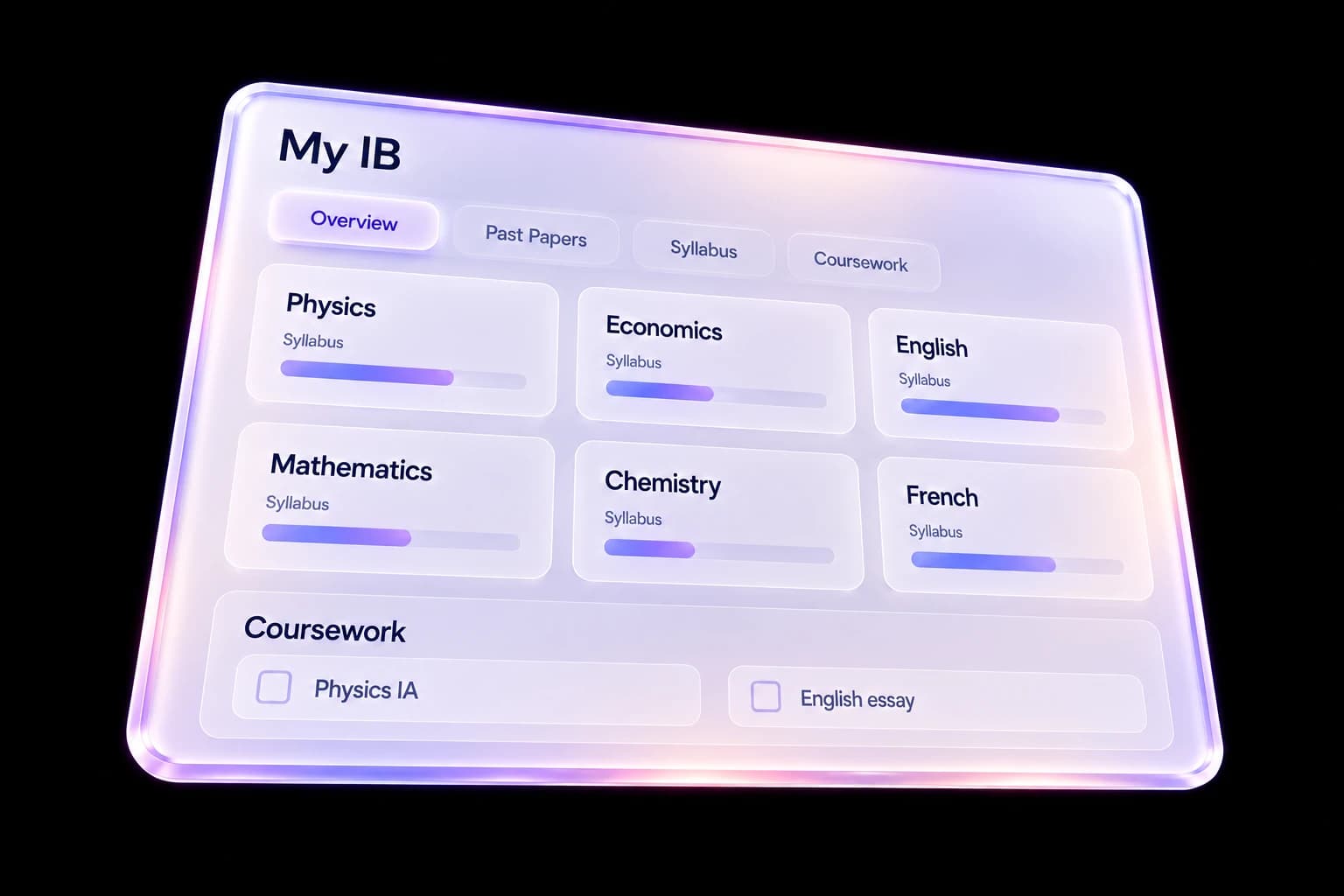
Subjects and syllabus
Set up your subjects and HL or SL levels, then review syllabus topics by confidence. Your confidence ratings describe your own assessment of understanding, not an official IB mark.
Coursework progress
Keep IAs, the Extended Essay and TOK components in their own working trackers. Update drafts, checkpoints, notes and next actions as the work develops.
Grades and paper practice
Record assessment results and past-paper attempts. Check the subject, paper, year and boundary context used rather than treating every percentage as directly comparable.
A practical way to use My IB
- Check that your subjects, levels and exam session are correct.
- Update a topic rating, coursework checkpoint or assessment result.
- Use that information to choose revision and schedule it in Plan.
Questions, answered
Does a progress percentage predict my IB grade?
No. Coursework progress and syllabus confidence describe your recorded workflow and self-assessment. They are separate from official predicted or awarded grades.
Are past papers created by Track Diploma?
No. Paper links and practice records help organize revision. Availability depends on the linked source; Track Diploma is not an official IB examination provider.
How is My IB different from the IB tools pages?
My IB is the academic workspace inside the app. The IB tools pages explain specific workflows such as coursework, syllabus and grade tracking in more detail.
Keep the workflow connected
Explore the whole product or read the getting-started help. Coursework, syllabus and grade tracking have their own detailed guides.