Today
Start with the work that matters now.
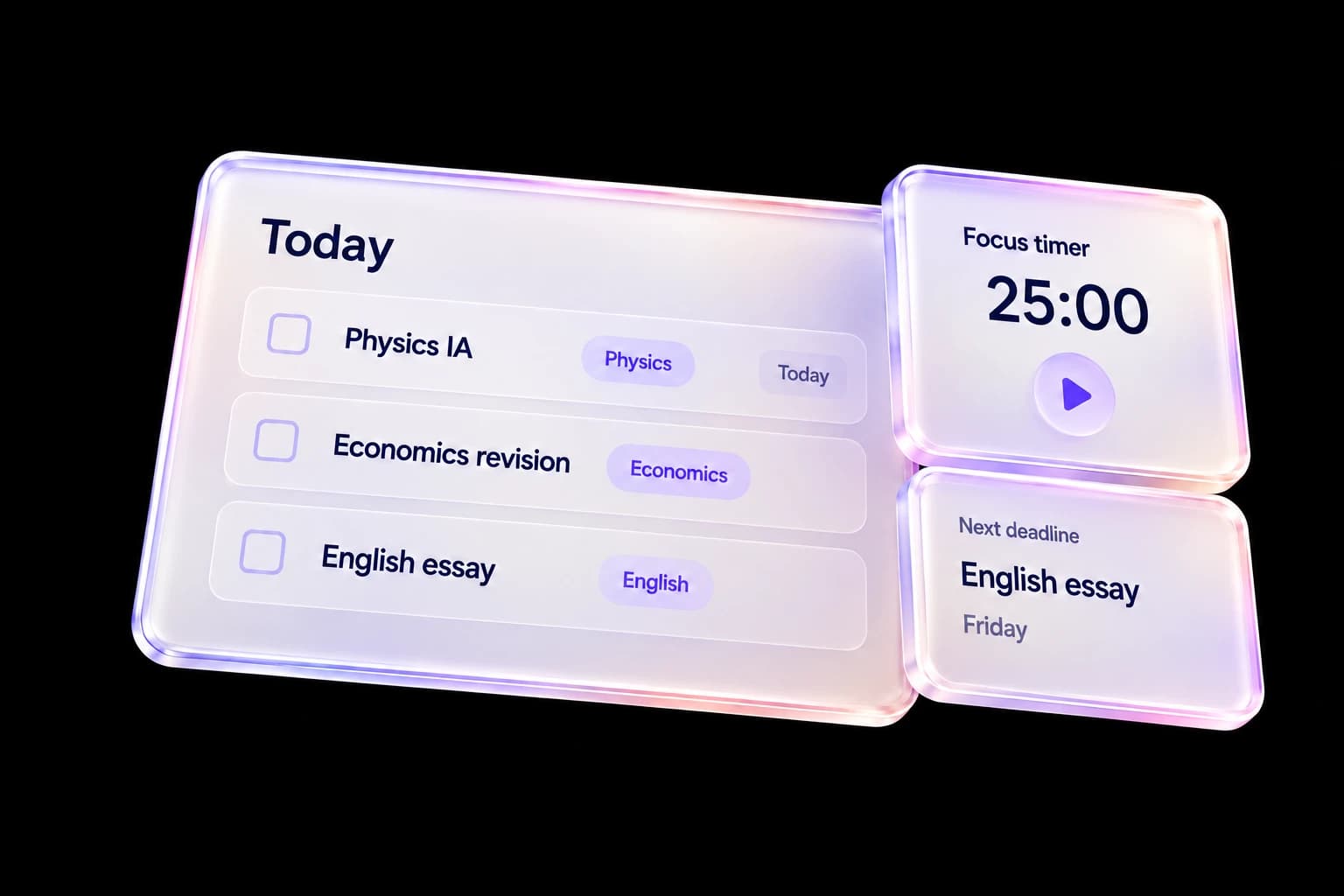
Today brings the work needing your attention into one daily view. Use it to choose a next action instead of reopening every subject tracker.
See what is due
Review overdue, today and upcoming work. Open a task to check its subject, due date and details before deciding what to do next.
Keep tasks current
Add a study task, edit its details or mark finished work complete. A changed deadline should change your plan rather than leave you maintaining a second list.
Begin a focused session
Use the focus timer for a deliberate block of study. Pause or end the session when your plans change; the timer is a planning aid, not a measure of academic ability.
A practical way to use Today
- Review the work due now and the next deadlines.
- Choose one task and check its details.
- Start a focus session, then update the task when you finish.
Questions, answered
How is Today different from Plan?
Today is the daily priorities view. Plan gives you calendar space to schedule tasks, study blocks and other commitments.
Can I edit a task after adding it?
Yes. Open the task to change its details, or use the available completion and delete controls.
Will device notifications work when the app is closed?
Current device notifications require browser permission and operate while Track Diploma is open. In-app notifications are available separately.
Keep the workflow connected
Explore the whole product or read the getting-started help. Use My IB for academic context and Plan for your week.