Community
Study with people, not just lists.
Community gives discussions and resources a place beside your individual planning. Ask a specific question, find a useful contribution and check the source before using it.
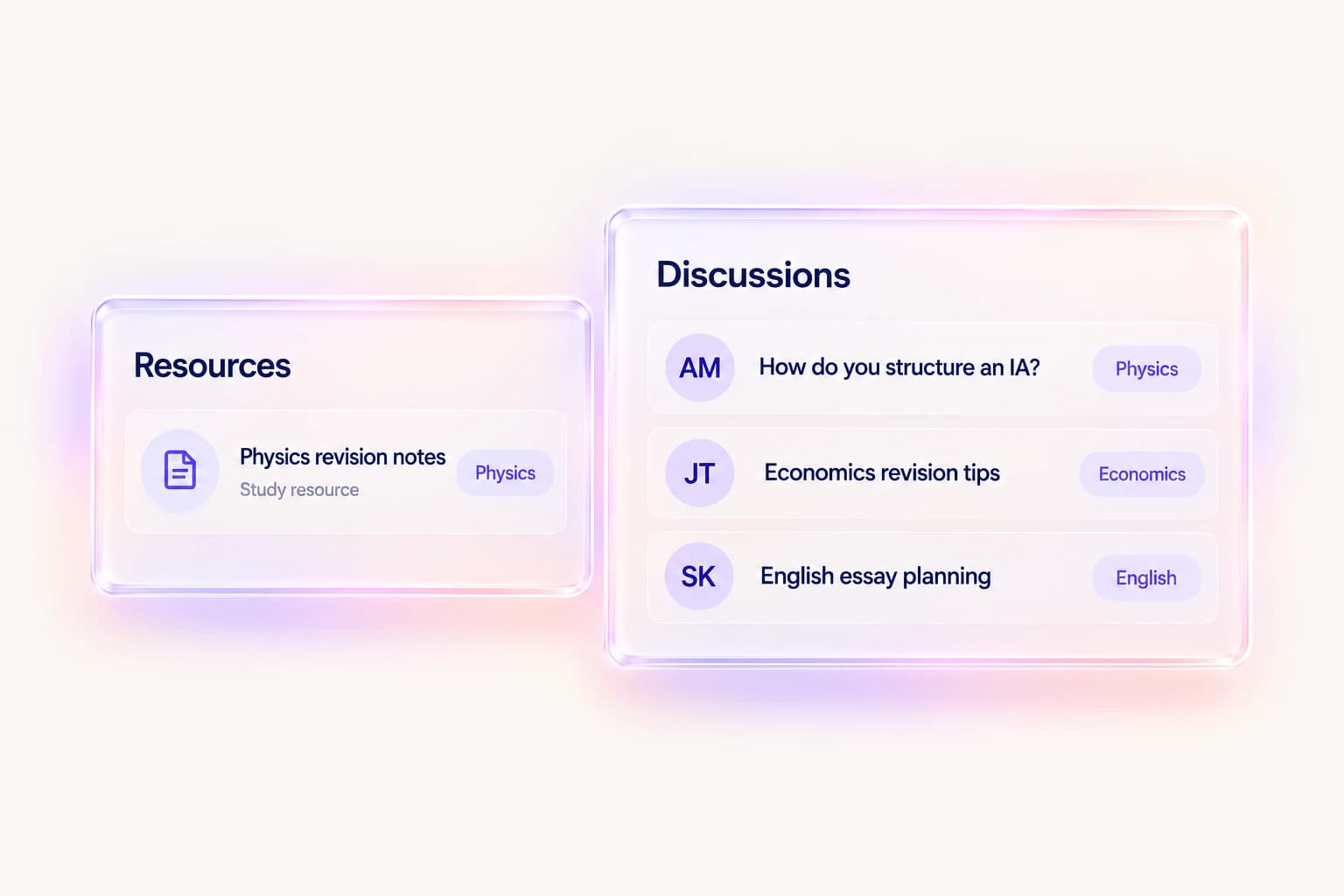
Join a discussion
Open a discussion to read its context and replies. When contributing, give enough detail for other students to understand the question without sharing private personal information.
Find and share resources
Explore resources relevant to your work and open their links to inspect the source. A shared resource is a starting point for revision, not a substitute for your teacher's guidance.
Keep sharing deliberate
Your academic trackers and a community contribution serve different purposes. Check what you are sharing, respect other students and use available block or report controls when needed.
A practical way to use Community
- Choose a discussion or resource relevant to your subject.
- Read the context and check any linked source.
- Contribute a focused question or useful resource while protecting personal information.
Questions, answered
Are community resources official IB advice?
No. Student discussions and shared resources are not official IB guidance. Check the source and confirm assessment requirements with your school.
Should I post my private grades or coursework files?
Share deliberately and avoid unnecessary personal information. Your private academic records do not need to become public discussion content.
What can I do about inappropriate content?
Use the available reporting and blocking controls, or contact Track Diploma support with the relevant context.
Keep the workflow connected
Explore the whole product or read the getting-started help. Use My IB for academic context and Plan for your week.