Ask Track
Get help, then review the next action.
Ask Track offers conversational help with your planning context. When a request proposes changes, review the details before confirming what should be saved.
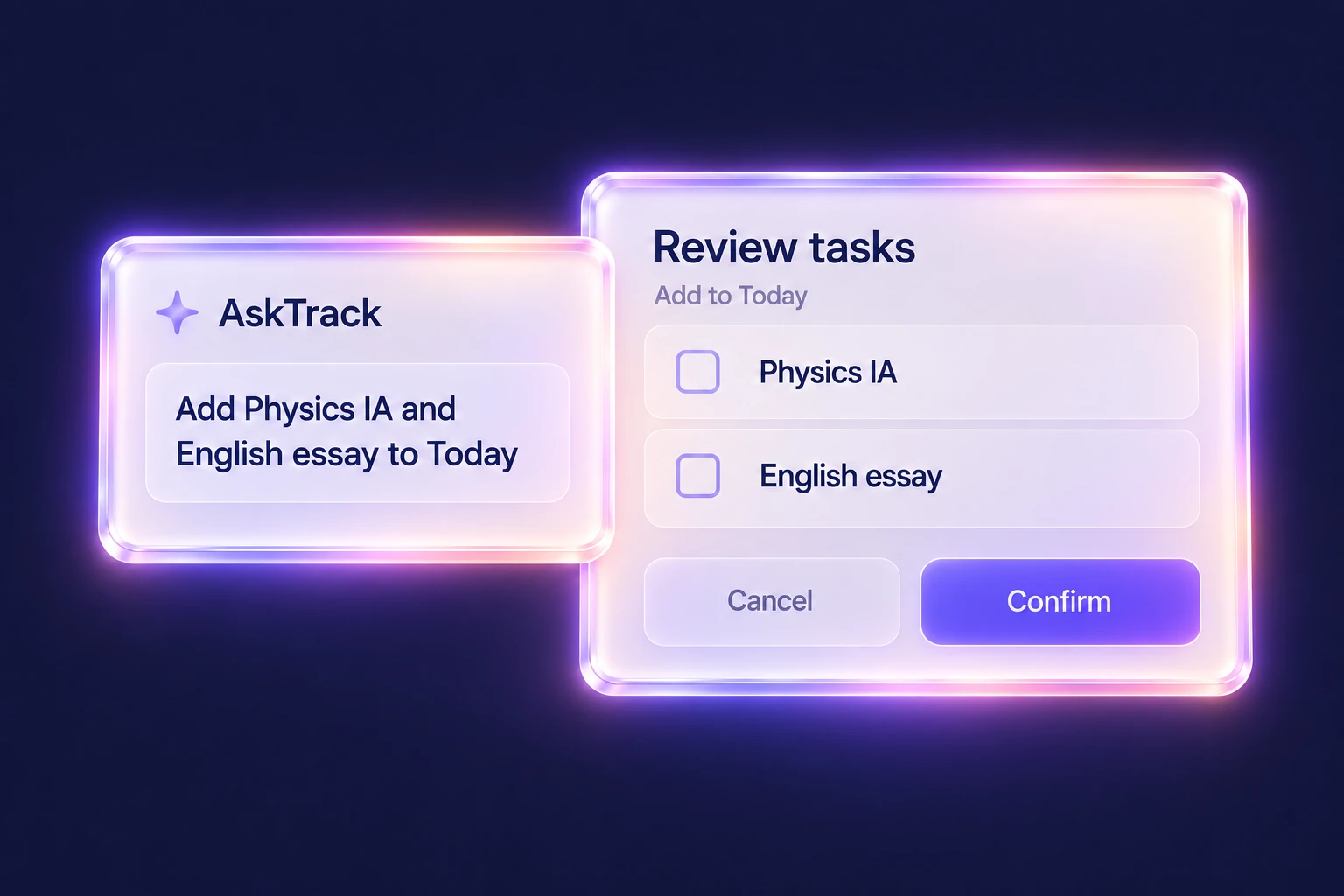
Ask a clear question
Explain the work, subject and deadline you need help with. Check generated advice against your syllabus, teacher instructions and the source material.
Review proposed changes
For supported add requests, inspect the proposed items and edit their details before confirming. If a request is ambiguous, clarify the subject or task instead of accepting a guess.
Keep judgment with you
AI output can be incomplete or wrong. Ask Track is a planning assistant, not an official IB examiner, and it does not replace your own assessed work or guarantee a grade.
A practical way to use Ask Track
- Describe a question or supported task-add request.
- Review the answer or proposed item details and clarify anything ambiguous.
- Confirm only the changes you intend to save, then check them in your workspace.
Questions, answered
Does asking a question automatically save tasks?
No. Questions and proposed actions are distinct. Supported add requests present a review step before you confirm what to save.
Can I change a proposed task before confirming?
Yes. Review and edit the proposed details before confirming supported add actions.
Is AI output always correct or always available?
No. Check important details yourself. AI availability depends on the configured service; if it is unavailable, you can still add and edit work using the app's normal controls.
Keep the workflow connected
Explore the whole product or read the getting-started help. Use My IB for academic context and Plan for your week.